Go to https://membermojo.co.uk/onstanleyon/
Your browser will open the following window:

Click on the box that says ‘Sign In’ and the following screen will appear:
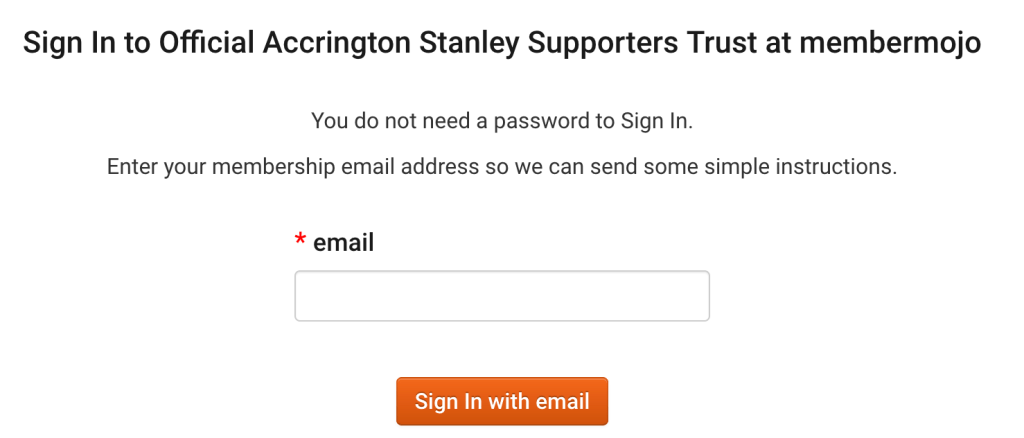
Enter your email and click ‘Sign in with email’
If your email does correspond with the records we have, you will see the following:

You will then receive an email as follows:

You are also able to check your details, and, if necessary, amend them. When your renewal comes due, you’ll be able to do it online.
If you get a screen that looks like this:

It means that we do not have your correct email.
Please contact members@onstanleyon.com with your name and address (and membership number if you know it) and we will check your details.
If you have not previously registered an email address with your membership, it would be very helpful to the Trust and to yourself if you take this opportunity to add one; just email members@onstanleyon.com with your membership details.
N.B. You will only be able to see/amend your own details; if you have signed up anyone else using the same email address, you will also be able to see theirs.
If you have any queries or concerns about this move, please contact members@onstanleyon.com